
Artwork Guidelines
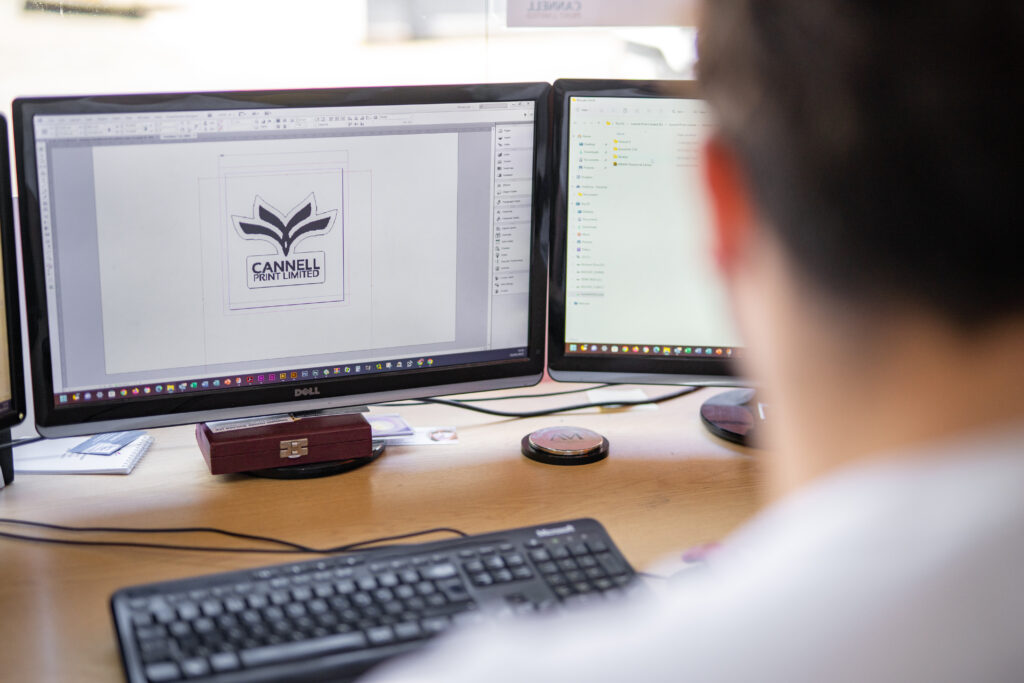
PDF files are they preferred format type however we can work with the original files made in Illustrator, Photoshop and In Design as well as jpg we prefer not use png because the colours do not print correctly, If possible make sure text is kept away from the edges and for the best quality make sure that any documents with text included in the design is created in illustrator for the best quality print.
Online Design Tools
Online design tools are a great way to add a personal touch to your print, however we ask you to please make sure that when setting up the file that options like crops and bleed are applied, this makes our job easier and can save you from additional charge.
Set-up
Please when bringing artwork to us do not try and set it up although you might think you are helping us it actually takes more time to re set up the file, if a file is required to be set up in a spread arrange the artwork in the correct order as a PDF we will sort the rest.
Resolution
To ensure your files print correctly all artwork supplied at a resolution of 300dpi. Anything lower than this may result in blurry print.
Note: Images used from the web are usually of lower quality and although they look fine on screen they are not suitable for printing.
Colours
For the best outcome we suggest that when designing or photo editing to make sure the colour profile is set to CMYK this is only important if you are a designer or photographer.
Bleed
A bleed is essentially the artwork that runs over the cut line on the print, we usually ask for around 5mm around the artwork and we do this to avoid any white boarders/edges.
About Us
All you need to know about our business.
Tel: (01624) 625690
Email: info@iomprint.com
Drop By
44 Bucks Road, Douglas, Isle of Man, IM1 3AD, British Isles